- If your team spends hours copying data between spreadsheets, you are paying for work a system could do.
- Spreadsheets have no single version of the truth, no audit trail and weak access control.
- You do not need to replace everything at once. Start with the process that hurts most.
- A careful move keeps your history and your data safe.
1. Nobody is sure which version is right
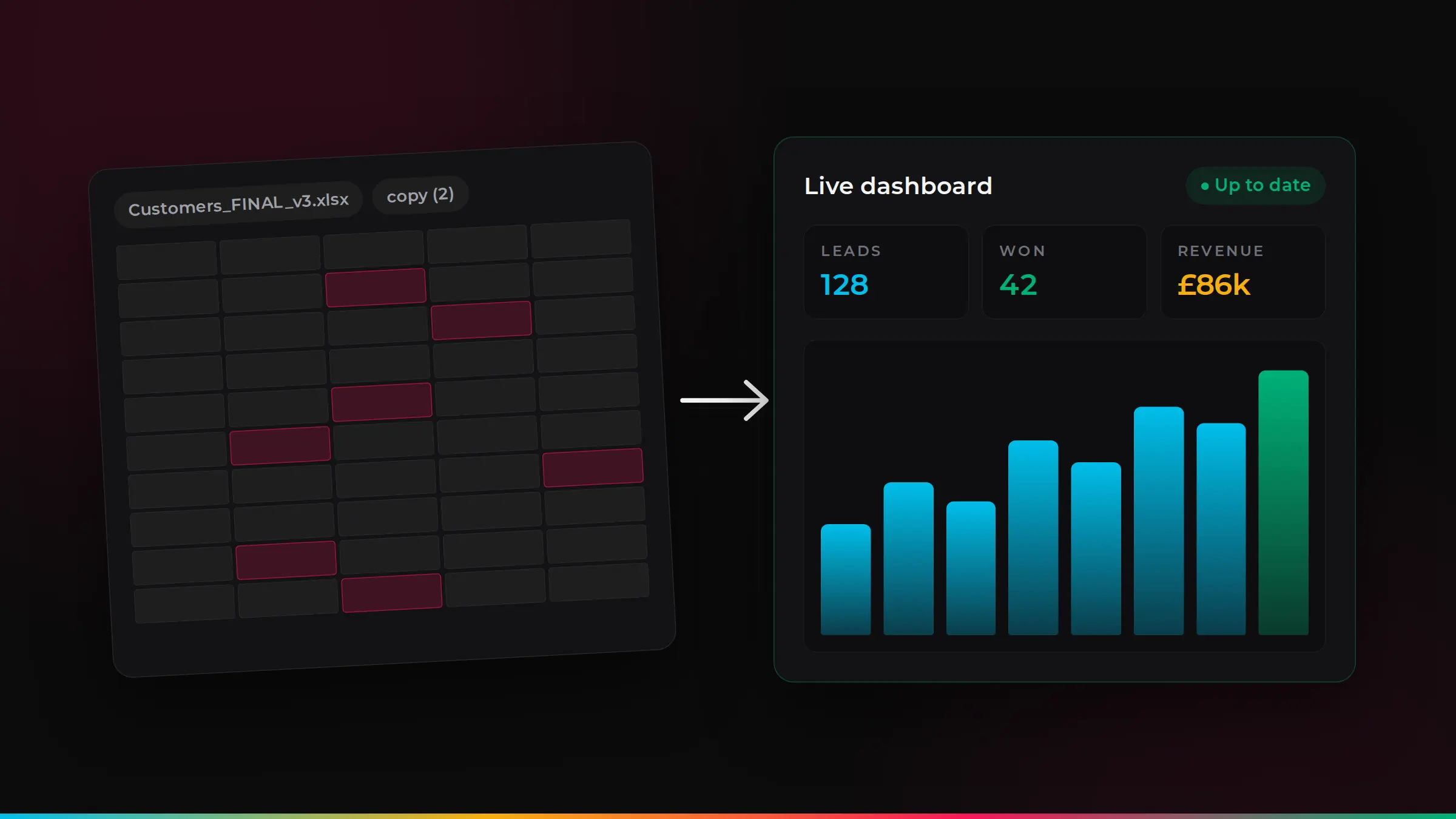
“Customers_FINAL_v3_updated.xlsx” sounds familiar? When several people keep their own copies, nobody knows which one is correct. Decisions get made on old numbers, and time is lost checking and re-checking.
2. The same information is typed in more than once
A new order goes into a spreadsheet, then an invoice, then an email, then a stock list. Every time data is re-typed, it takes time and adds a chance of error. A connected system enters it once and shares it everywhere.
3. Leads and follow-ups slip through the cracks
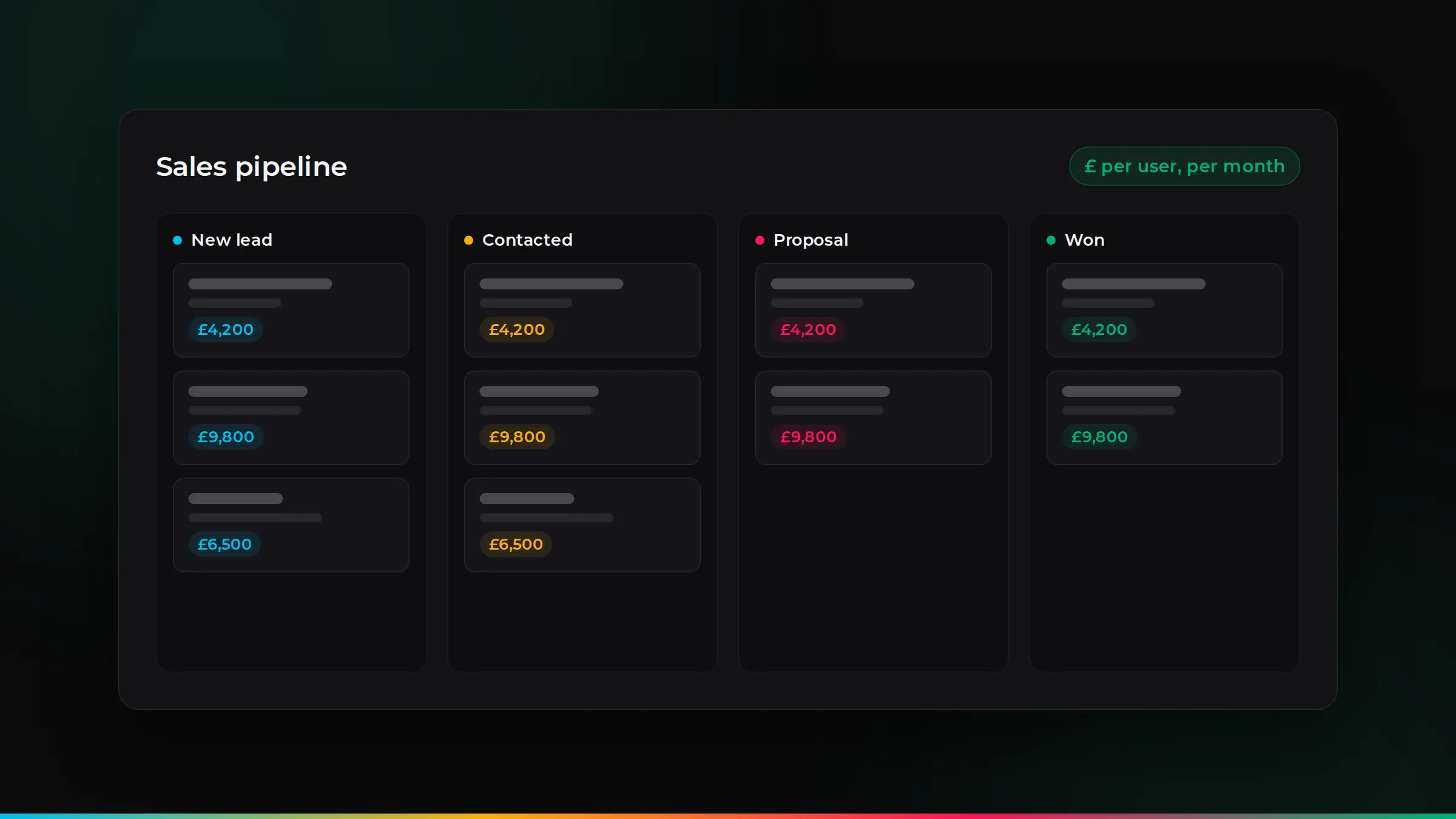
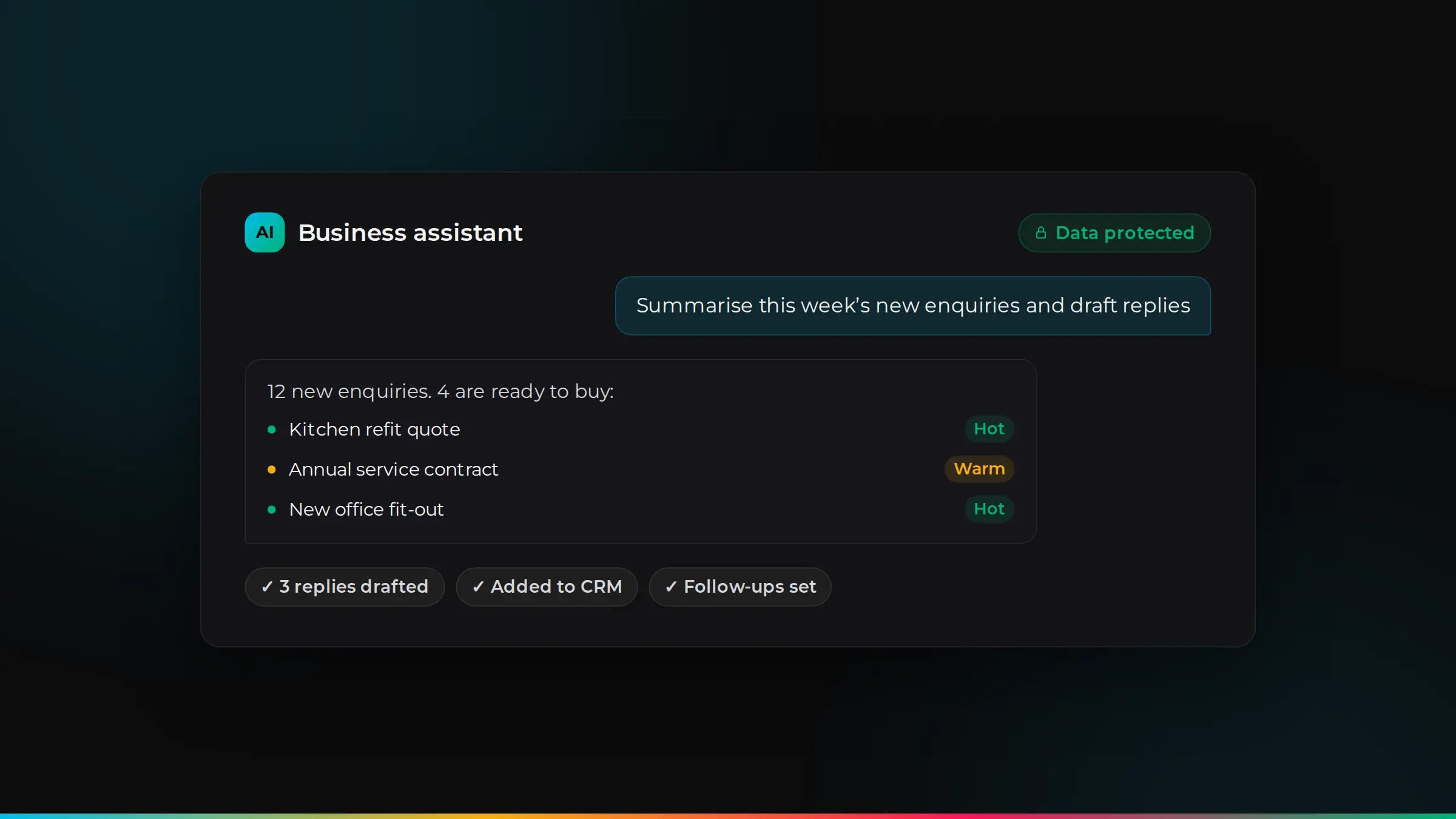
Spreadsheets do not remind anyone to call a customer back. If enquiries sit in inboxes and follow-ups depend on memory, you are almost certainly losing sales. A CRM tracks every lead and reminds your team when to act.
4. Reports take days, not seconds
If month-end reporting means exporting, copying and building pivot tables, you only see what is happening after it has happened. A proper system gives you live dashboards, so you can act sooner.
5. One person holds it all together
Many businesses have one person who understands the “master spreadsheet” and its formulas. When they are on holiday or leave, everything slows down. That is a real business risk.
6. You worry about who can see what
Spreadsheets get emailed, downloaded and shared. It is hard to control who sees customer or financial data, and there is no record of who changed what. Under UK GDPR, you are responsible for keeping personal data secure. A proper system gives each person access only to what they need, with a record of changes.
7. The spreadsheet is slow, fragile or breaking
Thousands of rows, linked files and complex formulas make spreadsheets slow and easy to break. One wrong paste can damage months of work.
What to move to
It depends on what the spreadsheets are doing today:
- Customers, leads and sales: a CRM. See what a CRM costs in the UK.
- Quotes, invoices and stock: accounting and inventory software, connected to your CRM.
- A process unique to your business: a platform shaped around you, or custom software. See off-the-shelf vs custom software.
How to switch without disruption
- Start with the biggest pain. Move one process first, prove it works, then move the next.
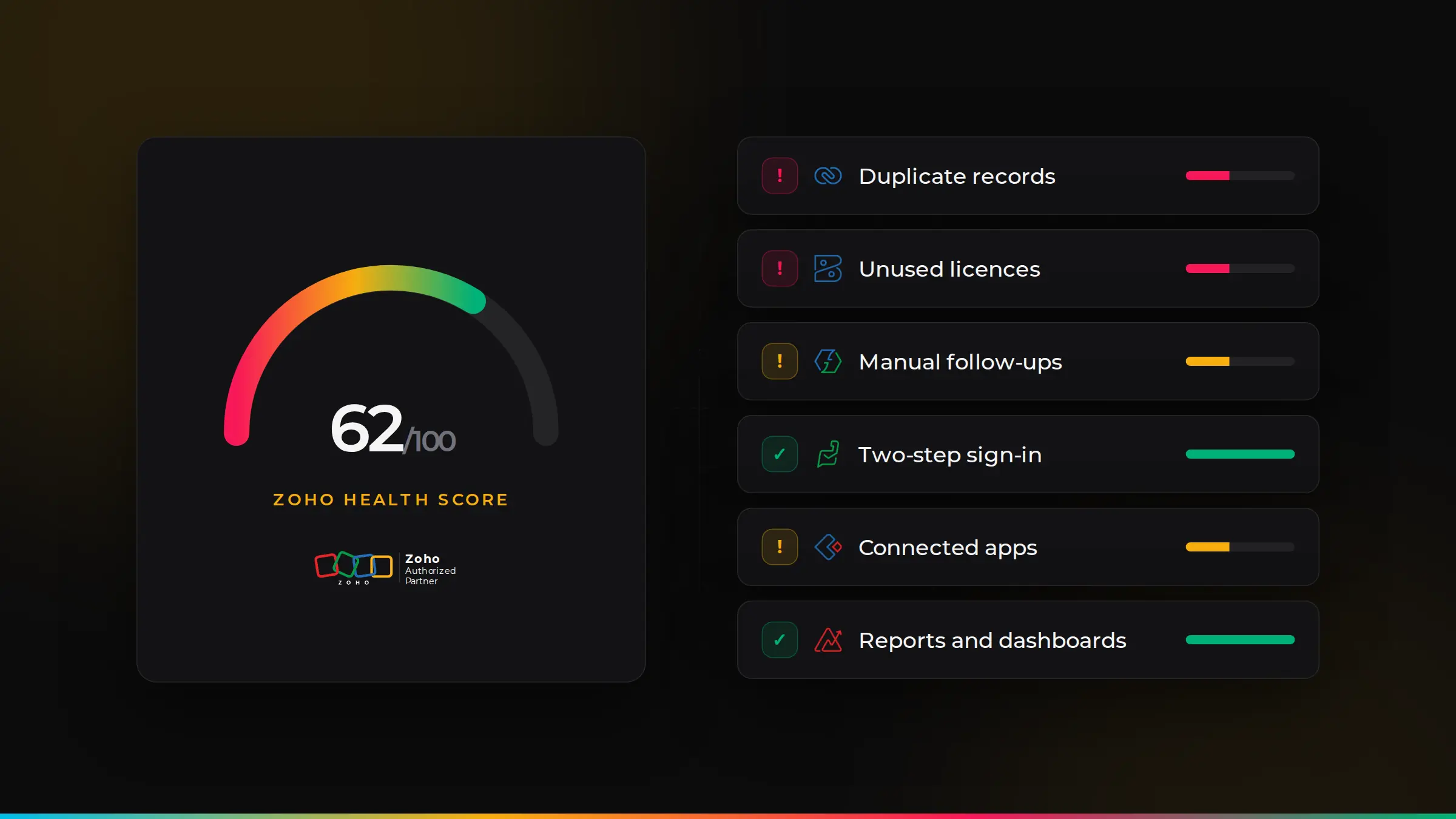
- Clean your data before moving it. Remove duplicates and fix missing details, so the new system starts clean.
- Keep your history. A careful migration brings across past customers, orders and notes.
- Train your team. Show each person how the new system makes their job easier, and they will use it.
What spreadsheets are really costing you
The cost of spreadsheets is mostly hidden in time. A simple example: if three people each spend five hours a week copying data between spreadsheets, emails and invoices, at £18 an hour, that is around £12,400 a year. Add the cost of mistakes, missed follow-ups and slow reporting, and the real figure is often higher.
What a connected system looks like
Instead of separate files, information flows from one step to the next:
- An enquiry arrives from your website and creates a record in your CRM automatically.
- Your team sends a quote from the same record, with no re-typing.
- When the customer accepts, the job or order is created and the invoice follows.
- Payments update the record, and your dashboard shows the latest numbers.
Everyone works from the same up-to-date information, and nothing depends on one person’s spreadsheet.
Keep spreadsheets for what they are good at
You do not have to give up spreadsheets completely. They are still great for:
- One-off analysis and “what if” calculations.
- Quick lists that only one person needs.
- Exploring data exported from your main system.
The aim is to stop using them as the system that runs the business.
Which teams benefit first
Sales stops losing leads, because every enquiry is tracked and followed up. Finance stops re-typing orders into invoices and chasing payments by hand. Operations sees jobs and stock in one place. Management gets live numbers without waiting for month-end. Most businesses start with the team whose spreadsheet causes the most pain, and see results within weeks.
How ZoSwitch helps
- We find the process that costs you most and fix that first.
- We keep the tools you like and connect them, rather than replacing everything.
- We clean and move your spreadsheet data, keeping your history.
- We train your team, so the new system gets used from day one.
Got a quote from another UK agency? We will beat it.
Send us any written quote from a UK agency and we will beat it for the same work. Send us your quote.
Applies to genuine written quotes from UK-based agencies for the same scope of work, dated within the last 30 days. Excludes third-party software licences, such as Zoho subscriptions.
Talk it through with us
Book a free discovery session. We will look at your situation and give you an honest view of the best way forward.
Common questions
Are spreadsheets bad for business?+
No. They are great for getting started and for one-off analysis. The problems start when they become the main system for customers, orders or finance.
Will we lose our data if we move away from spreadsheets?+
No. With a proper migration, your data is cleaned, moved and checked, so your history arrives safely in the new system.
What is the cheapest way to replace spreadsheets?+
Usually an existing platform, such as a CRM or accounting system, set up around how you work. Custom software makes sense only when no product fits.
How long does it take to move from spreadsheets to a proper system?+
A focused first step, such as moving customers and leads into a CRM, can take a few weeks. Larger changes are done in stages over a few months.
Can a new system import our spreadsheets?+
Yes. Most systems can import spreadsheet data. Cleaning it first, and mapping each column to the right field, makes the import accurate.

ZoSwitch is a UK team that helps businesses grow sales, save time and cut costs with the right software, websites and systems. We are a Zoho Authorised Partner. More about us.