- The quickest wins are usually writing, summarising and admin: emails, meeting notes, quotes and data entry.
- AI works best inside the tools you already use, such as your CRM, email and helpdesk, not as a separate app.
- Protect your data: check where it goes, use business versions of AI tools and never paste in sensitive personal data without a clear reason.
- Start with one small, measurable task, prove it saves time, then do more.
What AI can do for a small business today
You do not need a data science team to benefit from AI. These are the uses we see working well for UK businesses right now:
- Writing and replying. Drafting emails, proposals, quotes and social posts in your tone, ready for a person to check and send.
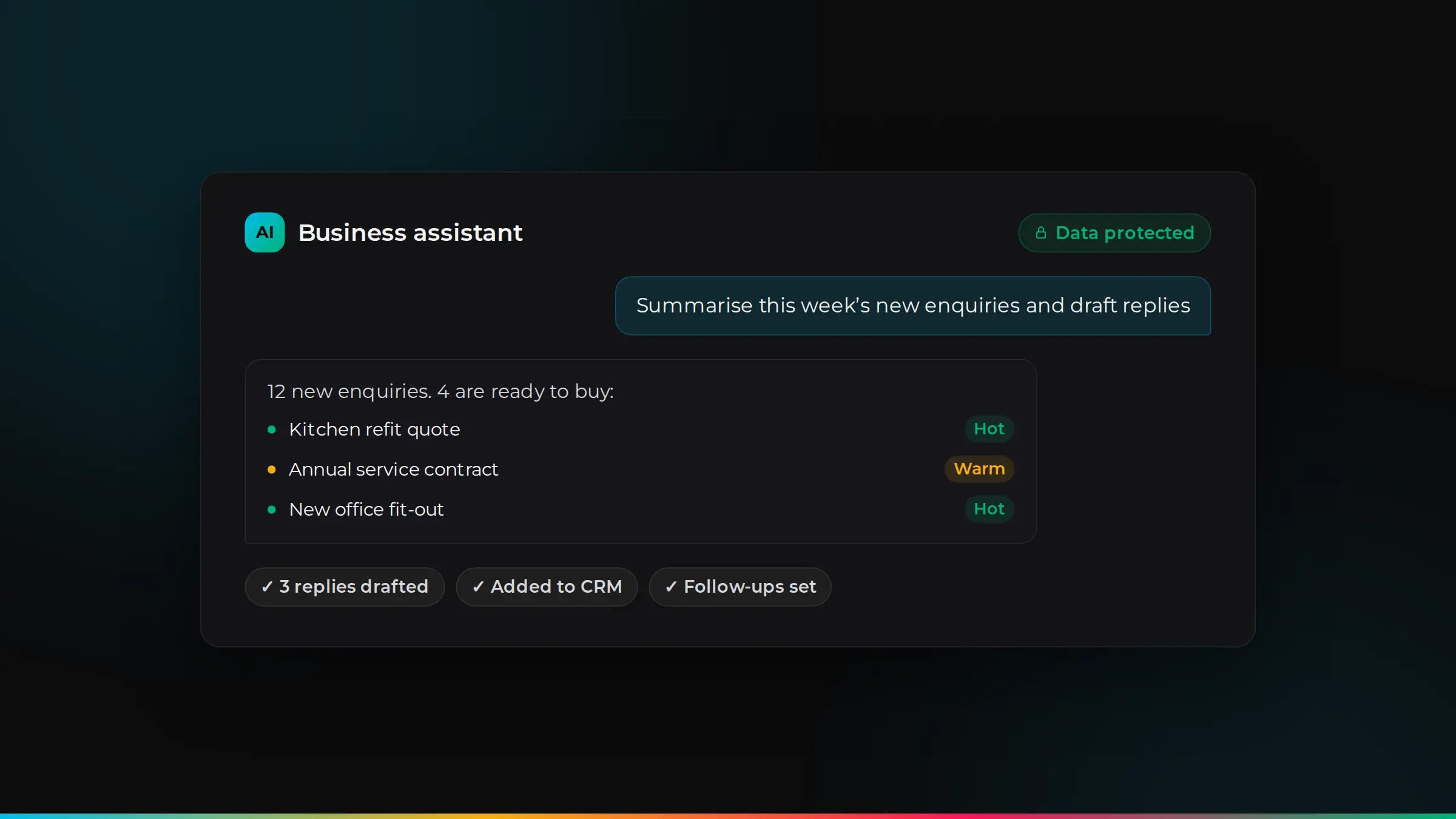
- Summarising. Turning long email threads, call recordings and meeting notes into short summaries and next steps.
- Customer service. Suggesting answers to common questions, sorting incoming requests and routing them to the right person.
- Reading documents. Pulling details from invoices, forms and contracts into your systems, instead of typing them in.
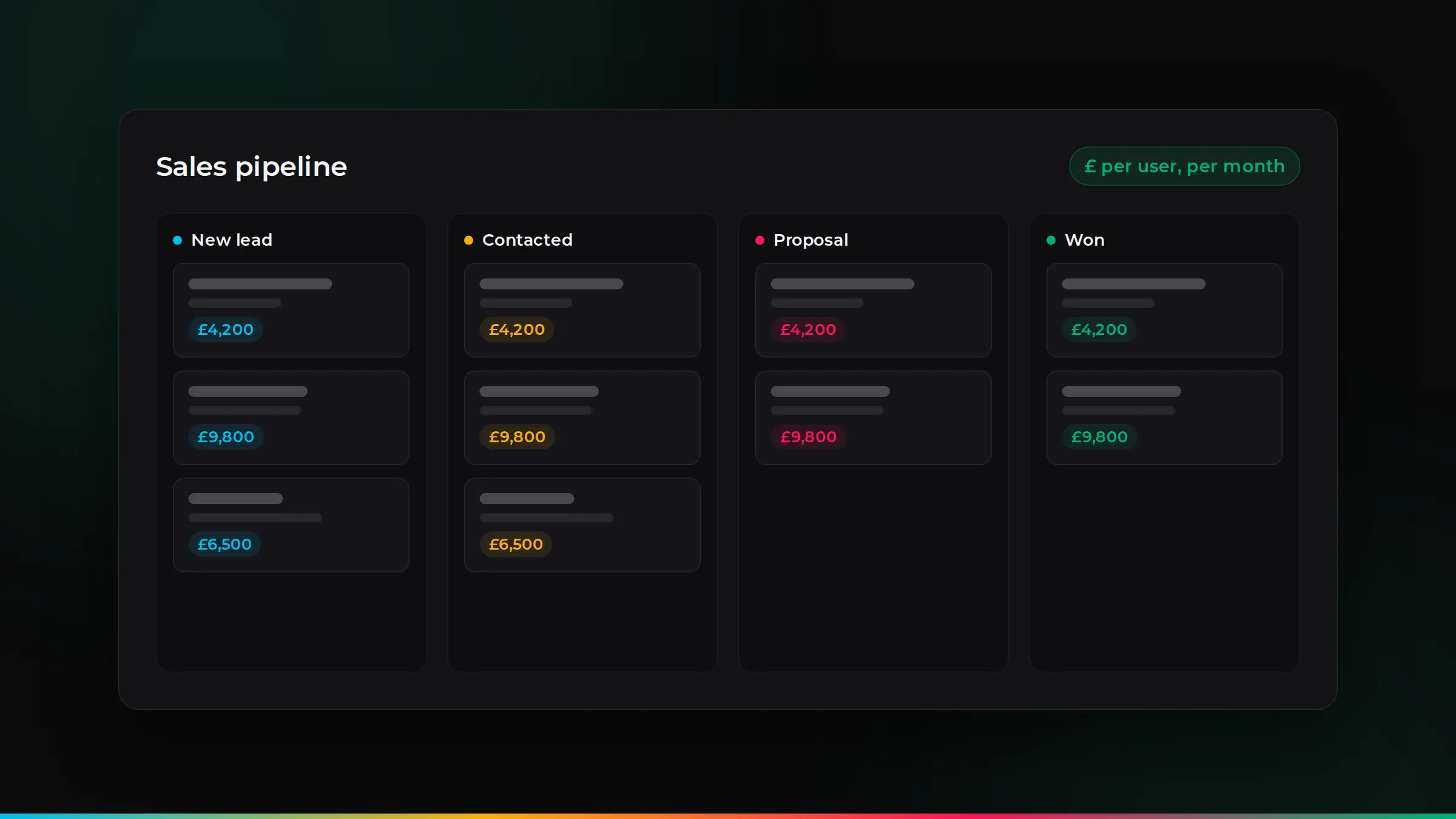
- Sales insight. Highlighting which leads are most likely to buy, and reminding your team who to follow up.
- Searching your own information. Letting your team ask questions about your policies, products or past projects and get an answer straight away.
Where AI saves the most time
Look for tasks that are repetitive, text-heavy and done often. A good test: if someone in your team does the same kind of writing, copying or checking every day, AI can probably help. Common examples:
| Task | How AI helps |
|---|---|
| Replying to enquiries | Drafts a reply from your templates and the customer’s history |
| Writing up calls and meetings | Produces notes and actions automatically |
| Entering invoices or forms | Reads the document and fills in your system |
| Updating the CRM | Logs emails and suggests next steps for each deal |
| Answering staff questions | Finds the answer in your own documents |
Use AI inside the tools you already have
Many business systems now include AI. Zoho, for example, has its own assistant, Zia, and can connect to other AI services, including ChatGPT, for tasks such as drafting emails and summarising records. Using AI inside your CRM, helpdesk or accounts software means it works with your real data, and your team does not have to copy information between apps.
Where nothing off the shelf fits, AI can also be built into your own systems and workflows, for example to read a specific type of document or answer questions from your own knowledge base.
Keeping your data safe
This is the part many businesses skip, and it matters. Under UK GDPR, you are responsible for the personal data you put into any tool. Before using AI with business data:
- Check where the data goes. Use business or enterprise versions of AI tools, which usually do not use your data to train their models. Read the terms.
- Limit what you share. Only send the data the task needs. Avoid pasting in sensitive personal, health or financial details without a clear reason.
- Control access. Give AI tools the same role-based access as people, so they only see what they should.
- Keep a person in charge. AI can be confidently wrong. Have someone check anything that goes to a customer or affects a decision.
- Write a simple AI policy. One page that tells your team which tools are approved and what they can be used for.
Read more about how we keep data safe.
How to get started
- Pick one task. Choose something repetitive that takes real time each week.
- Measure it today. Note how long it takes, so you can see the difference.
- Try AI on that task only. Use the tools you already have where possible.
- Review after a month. Keep what works, adjust what does not, then move to the next task.
- Train your team. A short session on good prompts and safe use makes a big difference.
Real examples, team by team
Sales. AI can log emails and calls against each customer, write a short summary of where a deal stands and suggest the next step. Your team spends less time updating the CRM and more time talking to customers.
Customer service. When a customer emails, AI can sort the request, suggest an answer from your past replies and help documents, and pass anything urgent to the right person. Customers get faster replies, and your team handles more without extra staff.
Finance and admin. AI can read supplier invoices and receipts, pull out the amounts and dates, and prepare them for your accounts software. A person still checks and approves, but the typing disappears.
Operations. Job sheets, inspection notes and site reports can be turned into tidy records and follow-up tasks automatically.
Marketing. AI can help draft newsletters, product descriptions and social posts, and turn one long article into several shorter pieces. Always edit the result so it sounds like you.
Mistakes to avoid
- Starting too big. A company-wide AI project is hard to measure. One task done well builds confidence.
- Using personal accounts for business data. Free personal tools may not give you the data protection you need. Use business versions you control.
- Trusting every answer. AI can sound sure and still be wrong. Check facts, figures and anything customer-facing.
- Forgetting your team. People worry about change. Explain what AI will take off their plate, and involve them in choosing the tasks.
- Not measuring. If you do not know how long a task took before, you cannot show the time saved after.
Free tools or business tools?
Free AI tools are fine for trying ideas with public information. For anything involving customer, staff or financial data, use business versions or the AI features inside your existing systems. They give you more control over where data is stored, who can see it and whether it is used to train models.
How ZoSwitch helps
- We find the tasks where AI will save your team the most time, starting with quick wins.
- We use the AI already built into tools you pay for, such as Zoho, before suggesting anything new.
- We set it up safely, with the right access, data handling and UK GDPR in mind.
- We train your team to use AI well, and keep improving it as the tools change.
Talk it through with us
Book a free discovery session. We will look at your situation and give you an honest view of the best way forward.
Common questions
Is AI expensive for a small business?+
Not necessarily. Many tools you already pay for now include AI features, and small automations can be set up quickly. Start with one task and expand once it proves its value.
Is it safe to use ChatGPT with business data?+
It can be, with the right set-up. Use a business version, check how your data is handled, share only what the task needs and keep personal data protected in line with UK GDPR.
Will AI replace my staff?+
For most small businesses, AI takes the repetitive work off people so they can spend more time with customers and on work that needs their judgement.
Can AI work with Zoho?+
Yes. Zoho includes its own AI assistant, Zia, and can connect to other AI services, including ChatGPT, for tasks such as drafting emails and summarising records.
Do we need to tell customers we use AI?+
If AI is used to talk to customers or to make decisions about people, it is good practice to be open about it, and to update your privacy notice where personal data is processed by AI tools.
What is the best AI tool for a small business?+
Often the one already built into the tools you use, such as your CRM, email or helpdesk, because it works with your real data and needs no extra apps.

ZoSwitch is a UK team that helps businesses grow sales, save time and cut costs with the right software, websites and systems. We are a Zoho Authorised Partner. More about us.