- Most Zoho problems come from a rushed or DIY set-up, not the software.
- The most common issues are messy data, low team adoption and missed automation.
- Many businesses pay for licences or apps they do not use.
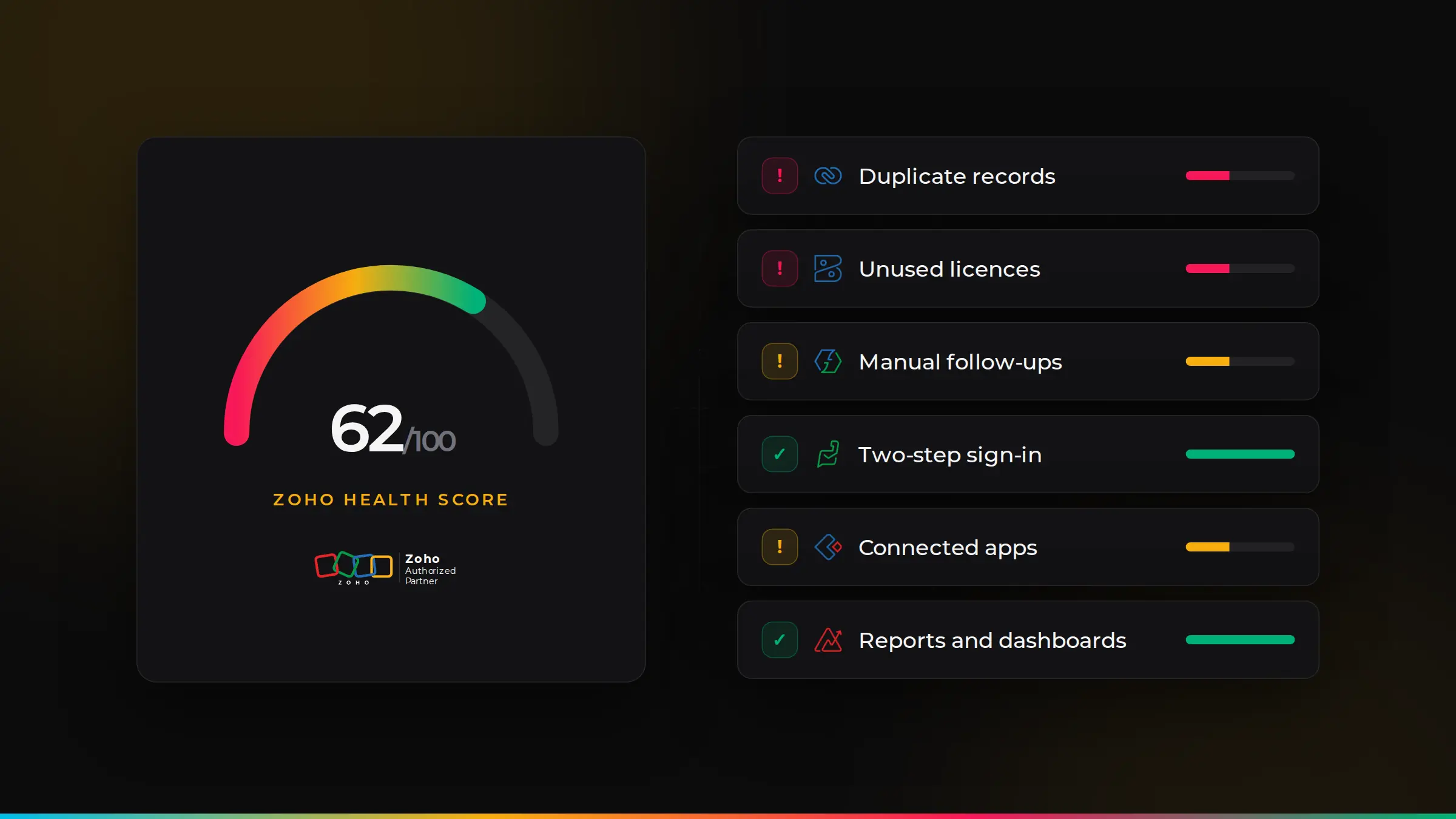
- A Zoho health check is the quickest way to find out what to fix first.
1. Your team does not use it
If people still keep their own spreadsheets or work from email, Zoho will never give you a full picture. Usually it is because screens show too many fields, steps feel slow or nobody was trained. Fix: simplify layouts for each role, remove what is not needed and give short, role-based training.
2. Duplicate and messy data
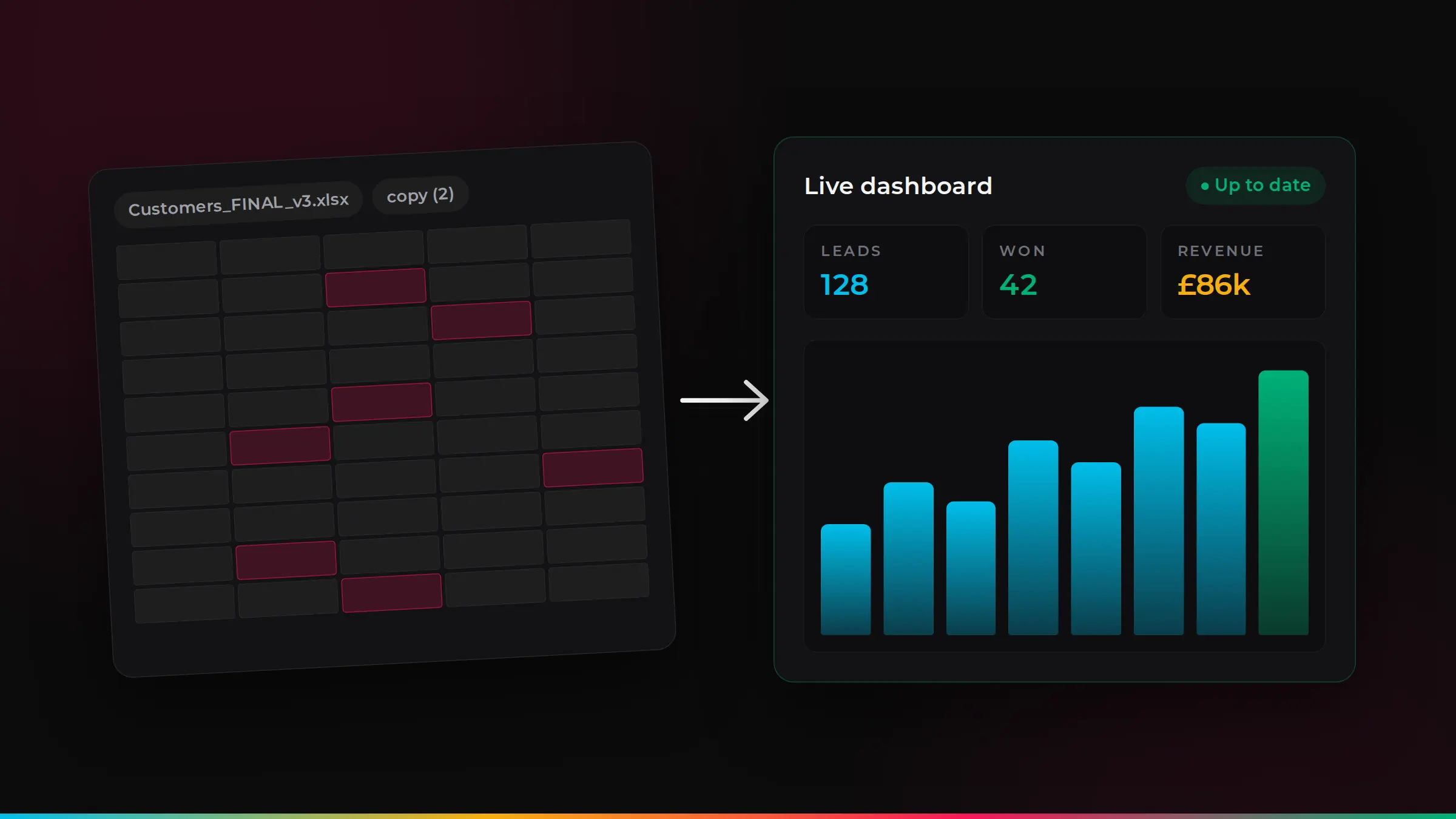
Duplicate contacts, missing details and old records make reports wrong and frustrate your team. Fix: merge duplicates, set required fields and use duplicate checks, so data stays clean from now on.
3. Reports you cannot trust
If nobody believes the dashboard, decisions go back to gut feel. This is usually caused by messy data or reports built on the wrong fields. Fix: agree the few numbers that matter, clean the data behind them and rebuild the dashboards.
4. Manual work that Zoho could do
Many businesses still send follow-ups, create tasks and update records by hand. Fix: use workflow rules, Blueprints and Zoho Flow to automate the repetitive steps, such as reminders, assignments and status updates.
5. Apps that do not talk to each other
Zoho CRM, Books, Desk and other apps work best when connected. If your team re-types data between them, you are missing the main benefit. Fix: connect the apps, so a won deal can create an invoice and a customer’s history is visible everywhere.
6. Paying for what you do not use
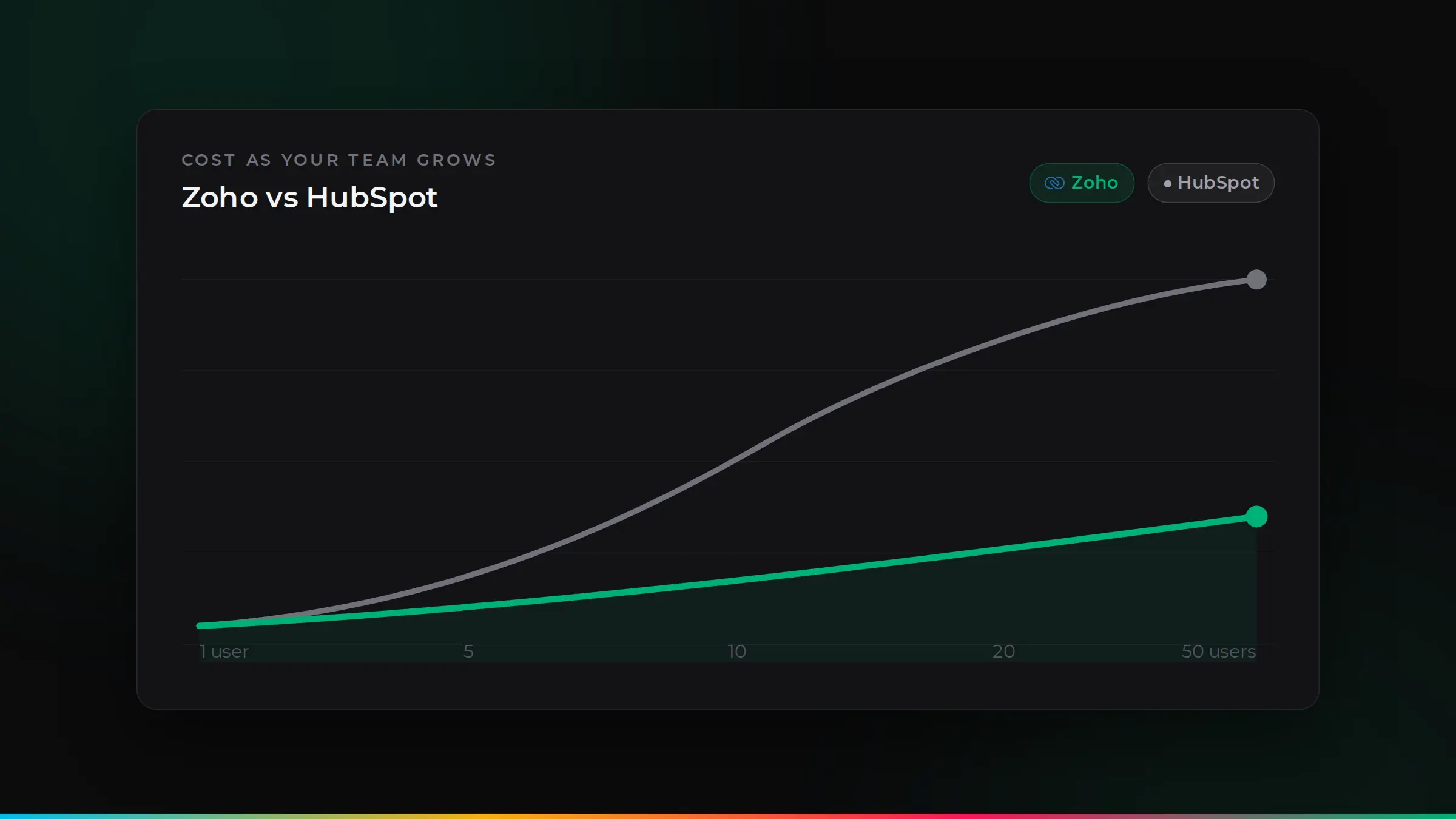
Unused licences, the wrong edition or apps nobody opens can add up quickly. Fix: review users and apps once a year, remove leavers and check whether Zoho One or individual apps works out cheaper for you.
7. Everyone can see everything
If every user has admin rights or can see all data, you have a security and UK GDPR risk. Fix: set roles and profiles so each person sees what they need, and switch on two-step verification.
8. Nobody knows how it was set up
If Zoho was set up by someone who has since left, changes feel risky. Fix: document the set-up, tidy up unused fields and workflows, and agree who looks after it.
Where to start: a Zoho health check
If several of these sound familiar, a free Zoho health check is the quickest way to see what to fix first. We review your set-up, data, automation, security and licences, then give you a clear list of quick wins and bigger improvements.
Quick wins you can do this week
- Remove leavers and deactivate users who no longer need access.
- Switch on two-step verification for every user.
- Run a duplicate check on contacts and accounts, and merge the obvious ones.
- Hide fields nobody uses from the main layouts, so screens are simpler.
- Agree three numbers that matter most and build one dashboard around them.
The apps where problems usually hide
Most issues we find sit in a handful of apps, and in the connections between them:
When to call in a partner
Many fixes are simple. It is worth getting help when changes affect several apps, when automations are complex or undocumented, when data needs cleaning at scale, or when you are not sure what is safe to change. A good partner will fix the root cause and show your team how to keep it tidy.
Signs your Zoho set-up needs a review
- People ask “where do I find…?” more than once a week.
- There are fields, modules or workflows nobody can explain.
- Monthly reports are still built in spreadsheets.
- Your Zoho bill has grown, but usage has not.
- Your business has changed, but Zoho has not.
How to keep Zoho tidy
- Give Zoho an owner. One person, or a partner, decides what changes and why.
- Keep a simple change log. Note what was changed, when and by whom.
- Review every quarter. Check users, licences, data quality and automation.
- Train new starters properly. A short, role-based session prevents bad habits.
How ZoSwitch helps
- A free Zoho health check shows you what to fix first.
- We tidy up and simplify, rather than starting again, so you keep what already works.
- We automate the manual work, so your team gets hours back every week.
- We review your licences and check whether you can lower your Zoho bill.
Got a quote from another UK agency? We will beat it.
Send us any written quote from a UK agency and we will beat it for the same work. Send us your quote.
Applies to genuine written quotes from UK-based agencies for the same scope of work, dated within the last 30 days. Excludes third-party software licences, such as Zoho subscriptions.
Get your free Zoho health check
We review your Zoho set-up and show you what to fix first. Free, with no obligation.
Common questions
Why is Zoho so hard to use?+
Usually because it was not set up around how your team works. Simplified layouts, clean data and role-based training make a big difference.
Can you fix a Zoho set-up done by someone else?+
Yes. We often take over set-ups done by other partners or in-house. We review what is there, tidy it up and improve it in stages.
What is a Zoho health check?+
A review of how your Zoho set-up is configured and used, followed by clear recommendations. We offer it free, with no obligation.
How often should we review our Zoho set-up?+
At least once a year, and whenever your team, processes or apps change significantly.
Can we reduce our Zoho bill?+
Often, yes. Removing unused licences, choosing the right edition and checking whether Zoho One or single apps suits you better can all lower costs.

ZoSwitch is a UK team that helps businesses grow sales, save time and cut costs with the right software, websites and systems. We are a Zoho Authorised Partner. More about us.