- The most common reasons to switch are cost, complexity and wanting one connected platform.
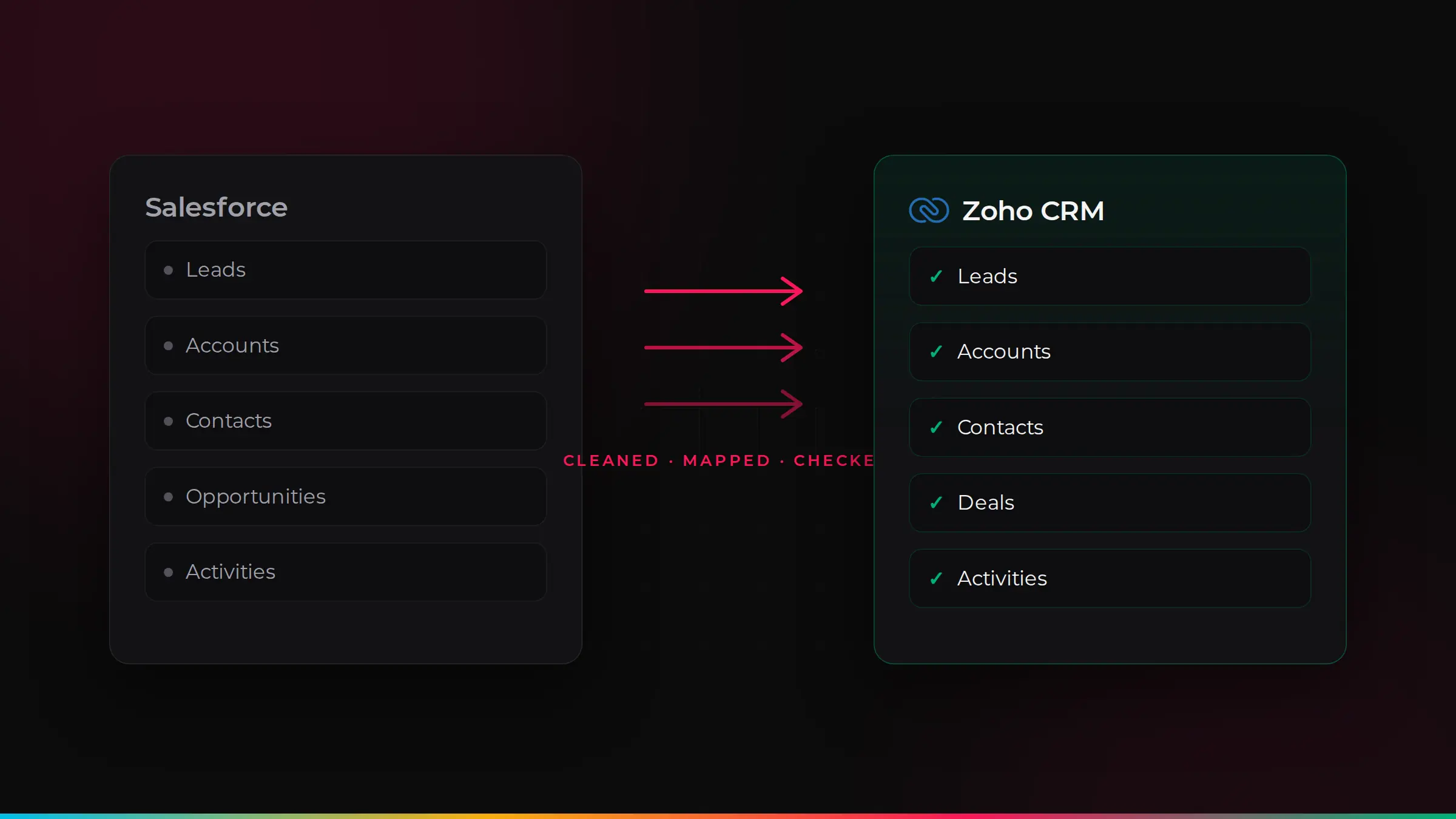
- Leads, accounts, contacts, opportunities, activities, notes and attachments can all be moved across.
- Most small and mid-sized migrations take 4–12 weeks, depending on data and automation.
- The secret to a smooth switch is cleaning data first, testing a trial migration and training your team.
Why businesses move from Salesforce to Zoho
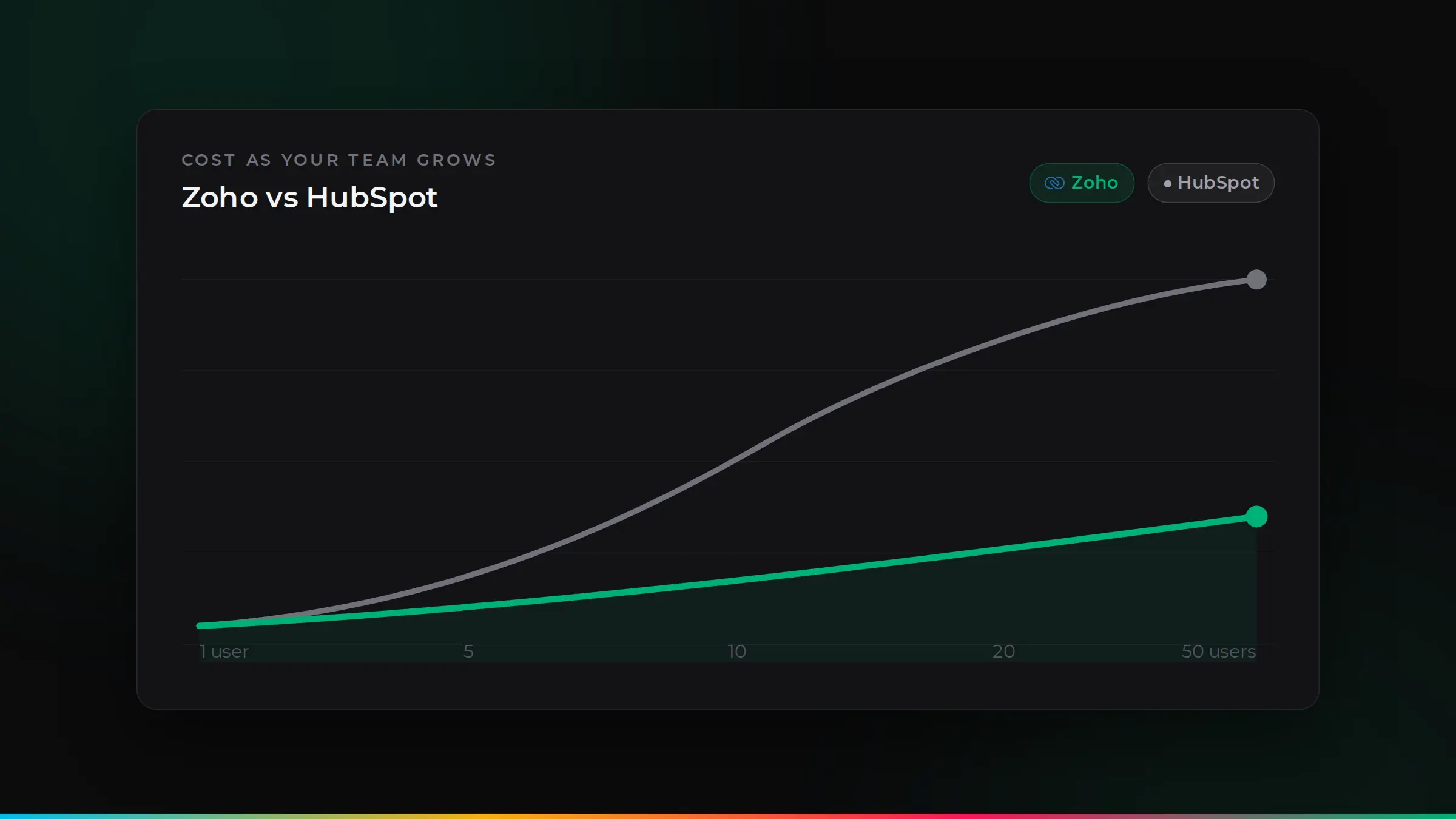
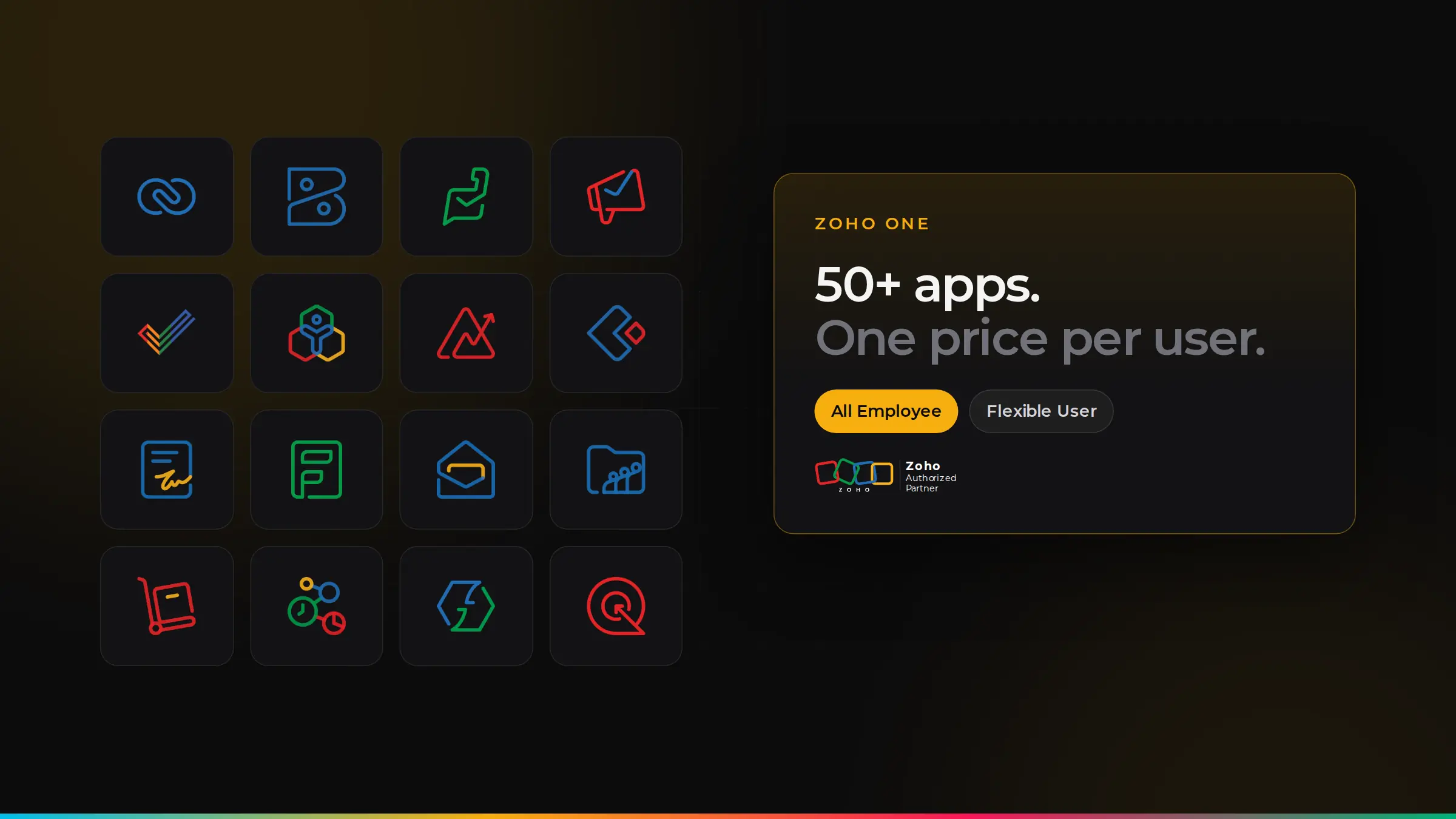
- Cost. Zoho CRM usually costs less per user, and Zoho One adds dozens of other apps for a single price.
- Simplicity. Many teams use only a fraction of Salesforce and find it hard to change without specialist help.
- One platform. With Zoho, CRM, accounts, support, projects and more can share the same data.
What moves across
| In Salesforce | In Zoho CRM |
|---|---|
| Leads | Leads |
| Accounts | Accounts |
| Contacts | Contacts |
| Opportunities | Deals |
| Tasks, events and calls | Activities |
| Notes and attachments | Notes and attachments |
| Custom objects | Custom modules |
Automations, reports, dashboards and integrations do not move automatically. They are rebuilt in Zoho, which is a good chance to simplify and improve them.
A step-by-step migration plan
- 1. Review what you use. List the objects, fields, automations, reports and integrations your team relies on. Leave out what nobody uses.
- 2. Clean your data. Remove duplicates, fix missing details and archive old records before moving anything.
- 3. Map fields. Decide where each Salesforce field goes in Zoho, including picklists and custom fields.
- 4. Set up Zoho CRM. Create the modules, layouts, pipelines and user roles your team needs.
- 5. Run a trial migration. Move a sample of data, check it carefully and fix any mapping issues.
- 6. Rebuild automation and reports. Recreate the workflows and dashboards that matter, often in a simpler form.
- 7. Train your team. Short, role-based sessions so everyone is confident on day one.
- 8. Go live. Run the final migration, switch over and keep support on hand for the first few weeks.
How long does it take?
For most small and mid-sized businesses, a Salesforce to Zoho migration takes four to twelve weeks. Simple set-ups with clean data are at the shorter end. Large volumes of data, many custom objects or complex automation take longer.
Mistakes to avoid
- Moving messy data. Duplicates and old records make the new system feel worse from day one.
- Copying Salesforce exactly. Rebuild around how you work today, not how Salesforce was set up years ago.
- Forgetting integrations. List everything connected to Salesforce, such as email, forms and accounts, and plan each one.
- Skipping the trial run. A test migration catches problems before they reach your team.
- Cancelling Salesforce too early. Keep access until you are sure everything has moved and been checked.
Planning your integrations
List everything connected to Salesforce today, then decide how each one will work with Zoho. Common examples:
| Connected to Salesforce | Typical Zoho option |
|---|---|
| Outlook or Gmail | Zoho CRM add-ins for Outlook and Gmail, or Zoho Mail |
| Website forms | Zoho CRM web forms or Zoho Forms |
| Email marketing | Zoho Campaigns or Marketing Automation |
| Accounting | Zoho Books, or an integration with your current software |
| E-signatures | Zoho Sign |
| Other systems | Zoho Flow or a custom integration |
What your team will notice
Most teams find Zoho CRM simpler day to day: cleaner screens, fewer clicks and layouts shaped around their role. Managers usually notice that reports are easier to change themselves. The first week or two needs some patience as people learn where things are, which is why role-based training matters.
Go-live checklist
- Final data migrated and spot-checked by each team.
- Users, roles and two-step verification set up.
- Email, forms and other integrations tested end to end.
- Key reports and dashboards checked against Salesforce figures.
- Team trained, with a clear way to ask for help.
- Salesforce kept in read-only mode for an agreed period, then closed.
How ZoSwitch helps
- We review your Salesforce set-up and only move what you really use.
- We clean, map and test your data with a trial migration before the final switch.
- We rebuild your automation and reports in Zoho, simpler and easier to change.
- We train each team and support you through go-live.
Got a quote from another UK agency? We will beat it.
Send us any written quote from a UK agency and we will beat it for the same work. Send us your quote.
Applies to genuine written quotes from UK-based agencies for the same scope of work, dated within the last 30 days. Excludes third-party software licences, such as Zoho subscriptions.
Talk it through with us
Book a free discovery session. We will look at your situation and give you an honest view of the best way forward.
Common questions
Can Zoho CRM do everything Salesforce does?+
For most small and mid-sized businesses, yes. Zoho CRM covers sales automation, pipelines, reporting, customisation and integrations. We check your specific needs before you decide.
Will we lose any data when moving from Salesforce?+
Not with a proper plan. Data is cleaned, mapped, tested in a trial migration and checked after the final move.
How long does a Salesforce to Zoho migration take?+
Usually four to twelve weeks, depending on how much data, customisation and automation you have.
Can we keep using Salesforce during the move?+
Yes. Your team keeps working in Salesforce until the final switch, so the business is not disrupted.

ZoSwitch is a UK team that helps businesses grow sales, save time and cut costs with the right software, websites and systems. We are a Zoho Authorised Partner. More about us.