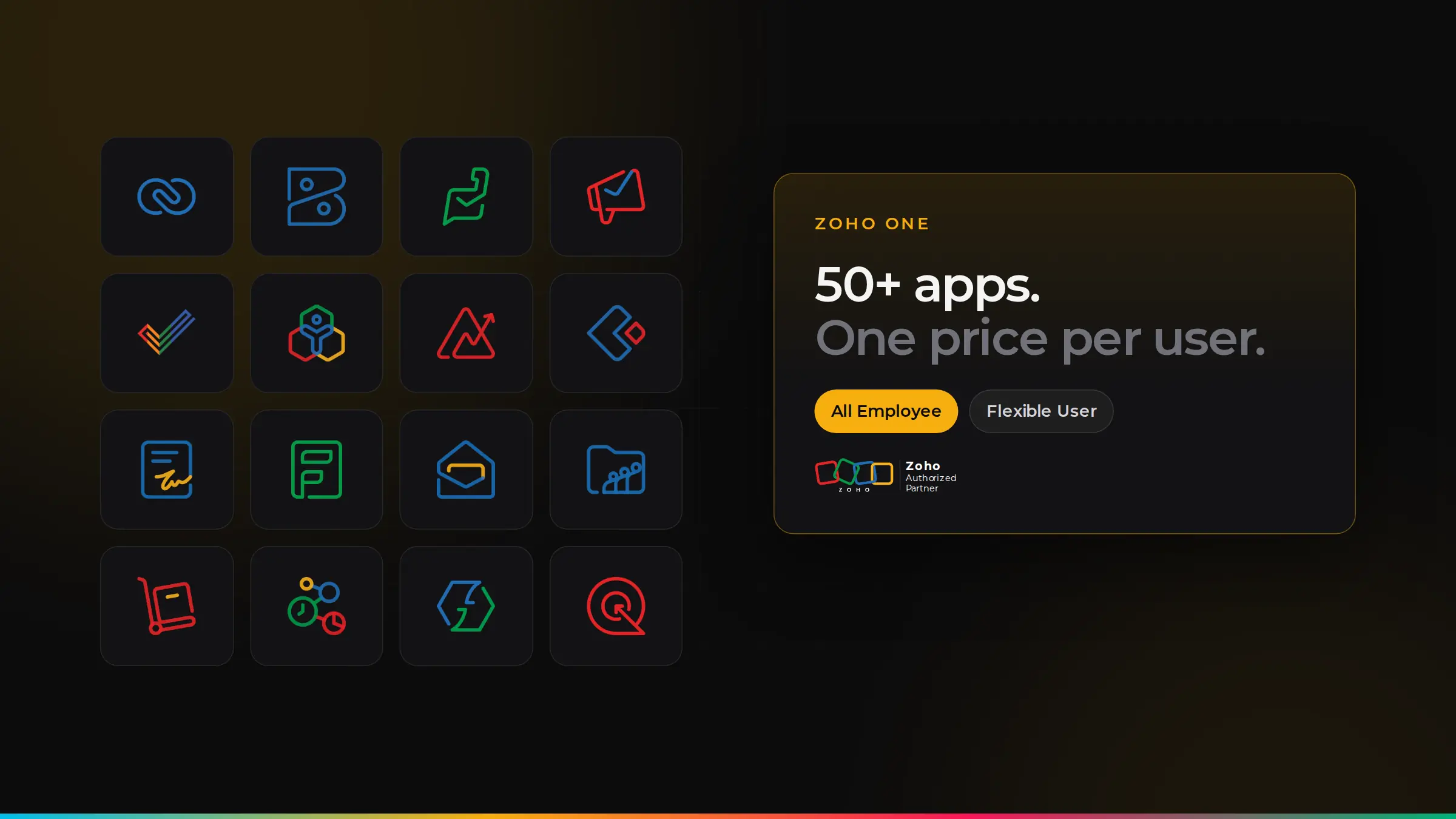
- Zoho One has two pricing models: All Employee pricing (lower price per user, but you license every employee) and Flexible User pricing (license only the people who need it).
- It usually works out cheaper than single apps once you need three or more Zoho apps.
- Paying yearly is cheaper than monthly.
- Plan for set-up, data migration and training as well as licences.
What is Zoho One?
Zoho One is a single subscription that gives your team access to Zoho’s full suite of business apps, all connected and sharing the same data, with one login. It covers sales, marketing, customer service, finance, HR, projects and collaboration. Here are some of the apps included:
The two ways to pay
| All Employee pricing | Flexible User pricing | |
|---|---|---|
| Who you license | Every employee on your payroll | Only the people who need it |
| Price per user | Lower | Higher |
| Best for | Businesses where most staff will use Zoho | Businesses where only some teams need it |
Zoho also offers an Essentials edition with a smaller set of apps for businesses that do not need the full suite. Prices change from time to time, so always check Zoho’s current UK pricing, or ask us and we will work out the options for your team size.
When Zoho One works out cheaper
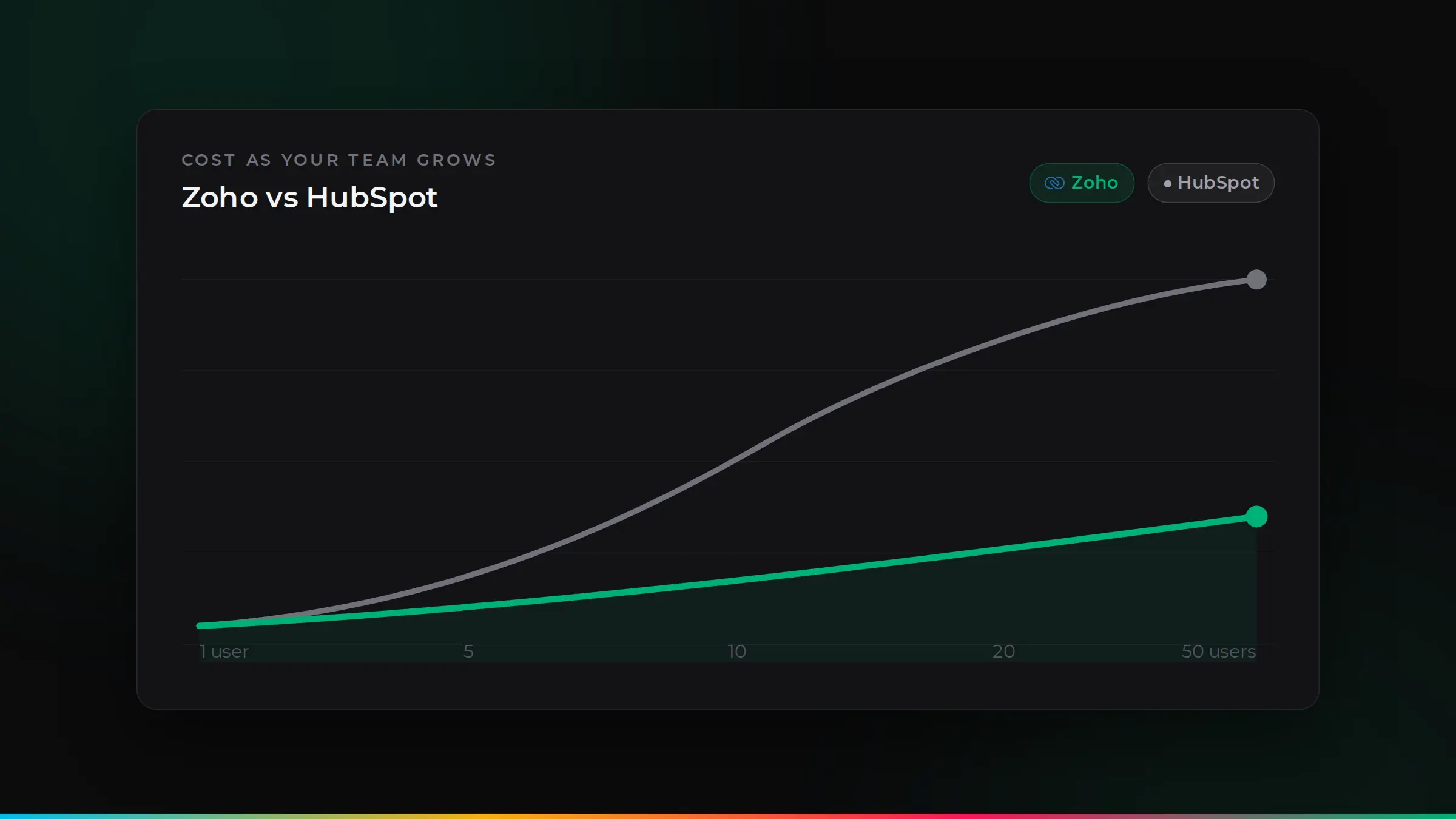
As a rule of thumb, Zoho One starts to make sense when you need three or more Zoho apps. For example, if your sales team needs CRM, your finance team needs Books and your support team needs Desk, buying each app separately can cost more than Zoho One, and you get dozens of other apps included.
It may not be the best choice if you only need one or two apps, or if only a small part of a larger team will use Zoho. In that case, single apps or Flexible User pricing can be cheaper.
Monthly or yearly?
Paying yearly is cheaper than paying monthly. If you are confident in your choice, yearly billing is usually the better deal. If you are still testing, start monthly or use the free trial first.
Costs to plan for beyond licences
- Set-up: shaping the apps around how your business works.
- Data migration: moving customers, invoices and history from your old systems.
- Integrations: connecting Zoho to any non-Zoho tools you keep.
- Training: so each team uses the apps properly.
- Add-ons: some extras, such as additional storage or specialist features, can cost more.
How to decide
- List the tools you pay for today and what they cost per year.
- Mark which ones Zoho One could replace.
- Count how many staff would use Zoho, and compare All Employee and Flexible User pricing.
- Add a realistic budget for set-up and training.
Many businesses find Zoho One replaces several separate subscriptions and cuts their total software bill, while giving them one connected system.
What you get, team by team
The real value of Zoho One is that every team gets the tools it needs, all sharing the same customer data:
- Sales: Zoho CRM for leads and deals, SalesIQ for website chat and Bookings for appointments.
- Marketing: Campaigns for email, Social for social media and Forms for enquiries and surveys.
- Customer service: Desk for support tickets and Assist for remote help.
- Finance: Books for accounts and VAT, Expense for receipts and Inventory for stock.
- HR: People for staff records and leave, and Recruit for hiring.
- Teamwork: Mail, WorkDrive for files, Cliq for chat and Meeting for video calls.
- Build and analyse: Creator for custom apps, Flow for automation and Analytics for reports across everything.
A worked example
Picture a 12-person business paying for a separate CRM, accounting software, a helpdesk, an email marketing tool and an e-signature service. That is five subscriptions, five logins and five sets of customer data that do not talk to each other.
With Zoho One, all five are replaced by apps that share one customer record. A new enquiry lands in CRM, the quote is signed with Zoho Sign, the invoice is raised in Books and any support request is logged in Desk against the same customer. The business often pays less in total, and saves hours of copying data between tools.
Common pricing mistakes
- Choosing All Employee pricing when only a few staff need Zoho. Flexible User pricing may be cheaper.
- Buying single apps one at a time until the total costs more than Zoho One would have.
- Paying monthly for years when yearly billing would have saved money.
- Switching on every app at once. Start with the apps that solve your biggest problems, then add more.
How ZoSwitch helps
- We work out whether Zoho One or single apps is cheaper for your team, before you buy.
- We check All Employee and Flexible User pricing against your real headcount.
- We set up only the apps you need, so your team is not overwhelmed.
- As a Zoho Authorised Partner, we support you after go-live with training and a dedicated support portal.
Got a quote from another UK agency? We will beat it.
Send us any written quote from a UK agency and we will beat it for the same work. Send us your quote.
Applies to genuine written quotes from UK-based agencies for the same scope of work, dated within the last 30 days. Excludes third-party software licences, such as Zoho subscriptions.
Talk it through with us
Book a free discovery session. We will look at your situation and give you an honest view of the best way forward.
Common questions
Do we have to license every employee for Zoho One?+
Only with All Employee pricing. With Flexible User pricing, you license just the people who need Zoho, at a higher price per user.
How many apps are included in Zoho One?+
More than 50 business apps, covering sales, marketing, service, finance, HR, projects and collaboration.
Can we start with one Zoho app and move to Zoho One later?+
Yes. Many businesses start with an app such as Zoho CRM or Zoho Books and move to Zoho One as they add more apps.
Is there a free trial?+
Yes. Zoho offers a free trial, and we can help you set up the right apps during the trial so you see how it works for your business.

ZoSwitch is a UK team that helps businesses grow sales, save time and cut costs with the right software, websites and systems. We are a Zoho Authorised Partner. More about us.